Log Storage
Every long-running action in Miabi produces a log — a deploy's build output, a pipeline step, a job run, a database or volume backup, a platform backup. Log storage is the shared store that owns those full logs, keeping them out of the database while preserving the live-tail experience you already have.
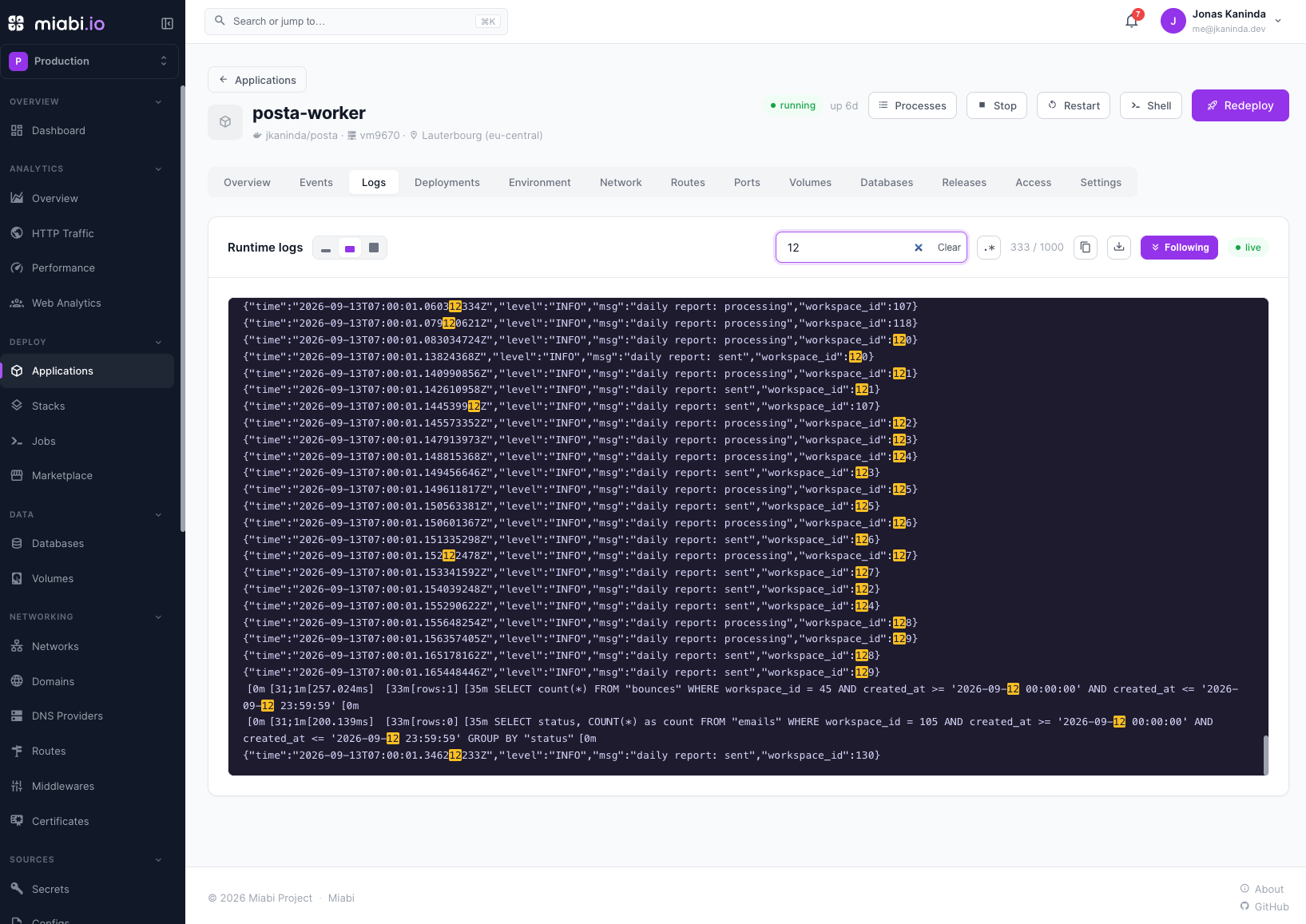
The problem it solves
Historically each execution log was written inline as a database text column. That is simple but does not scale:
- Database bloat. A single verbose
docker buildor pipeline run can be megabytes. Multiplied across every deploy, job, and backup, logs dominate row size, slow down queries that don't need them, and inflate every backup of the platform database. - No retention. Inline logs lived forever (or were hand-truncated) — no TTL, no size cap.
Log storage fixes both: the full log is externalized to a filesystem store, and the database row keeps only a small tail plus a reference to the stored object.
How it works
While a run is in progress, live output streams to the console exactly as before — over the event bus and SSE, so live tailing is unchanged. When the run reaches a terminal state (succeeded, failed, cancelled), Miabi flushes the full log to the store and records a reference on the row.
From that point the database row holds:
- A reference to the stored log object (empty means the log was never externalized).
- A bounded tail — the last slice of the log (default 16 KB) for instant display in lists and detail pages without touching the store, and as a fallback when the store is disabled.
- Size and line counters, plus a flag set when a per-log cap truncated the log.
Reading a completed log's history now comes from the store; the live remainder still streams from the event bus. Logs are gzip-compressed at rest by default.
Which logs it covers
Log storage handles every kind of execution log:
- Deployments — build and deploy output.
- Pipeline steps and runs — per-step and aggregate output.
- Jobs — cron and one-off job output.
- Database backups, volume backups, and platform backups — backup and restore output.
A predictable path scheme — the log kind, then the workspace — keeps logs browsable, greppable, and easy to ship to an external log pipeline by prefix:
| Log | Path under MIABI_LOG_DIR |
|---|---|
| Deployment | deployment/ws_<id>/app-<id>/dep-<id>.log |
| Pipeline step / run | pipeline/ws_<id>/run-<id>/step-<n>.log, pipeline/ws_<id>/run-<id>/run.log |
| Job | job/ws_<id>/job-<id>.log |
| Database backup | backup/ws_<id>/backup-<id>.log |
| Volume backup | volume-backup/ws_<id>/vbackup-<id>.log |
| Platform backup | platform/pbackup-<id>.log |
Configuration
Log storage is configured through environment variables at boot. The defaults give you durable, compressed log files on disk with no extra infrastructure.
| Variable | Default | Description |
|---|---|---|
MIABI_LOG_BACKEND | filesystem | Storage backend: filesystem or off. off reproduces the old database-tail-only behavior (no store) |
MIABI_LOG_DIR | /var/lib/miabi/logs | Directory for the filesystem backend. Must be a shared mount when a standalone worker is used (see below) |
MIABI_LOG_RETENTION_DAYS | 30 | Retention window for the sweeper; 0 keeps logs forever |
MIABI_LOG_MAX_BYTES | 33554432 (32 MB) | Per-log cap; logs past it are middle-truncated with a marker |
MIABI_LOG_TAIL_BYTES | 16384 (16 KB) | Size of the tail kept in the database for instant display and fallback |
MIABI_LOG_COMPRESSION | gzip | Compression at rest: gzip or none |
The filesystem backend is the only shipped backend today. An S3/object-storage backend — for multi-node installs that can't share a volume — is on the roadmap and will slot in behind the same interface with no change to how logs are produced or read.
Retention and size caps
- Retention sweep. A daily cron deletes stored log files last modified more than
MIABI_LOG_RETENTION_DAYSago. It works on the files alone: the database row keeps its tail and its reference, and viewing or downloading a swept log falls back to that tail. Set it to0to keep logs indefinitely. - Per-log cap. The writer stops appending once a single log reaches
MIABI_LOG_MAX_BYTES. It keeps the head and tail, inserts a… truncated …marker in the middle, and flags the log as truncated — so one runaway build can't fill the volume.
Downloading full logs
The tail shown inline is only the last slice of the log. To retrieve the complete output, use the download action on a deployment, job, pipeline step, or backup in the web console — or the equivalent endpoint in the API. Downloads are workspace-scoped (platform-backup logs are admin-only). Live tailing over SSE is unaffected and works exactly as before.
See the generated API reference at /docs on your instance for the exact log and download
endpoints.
Standalone workers and the shared volume
By default the background worker is embedded in the control-plane process, so both share the same host path and no extra setup is needed.
If you run a standalone miabi worker process, it produces deployment, job, and pipeline logs
too. With the filesystem backend it must mount the same MIABI_LOG_DIR as the control plane —
a shared volume — otherwise the logs it writes won't be visible to the control plane's read and
download endpoints.
When running a separate worker, point both the control plane and the worker at the same
MIABI_LOG_DIR on shared storage. Without a shared mount, worker-produced logs will be missing
from the console.
Turning it off
Setting MIABI_LOG_BACKEND=off disables the store entirely. Logs then behave as they did before
log storage existed: the database keeps a bounded tail only, with no externalized full log, no
retention sweep, and no full-log download. This keeps the smallest installs unchanged and means the
store is never a hard boot dependency.