Workspaces Overview
A workspace is the home for everything you build in Miabi. It is the unit of ownership, isolation, and collaboration: every application, database, domain, certificate, volume, deployment, and backup belongs to exactly one workspace.
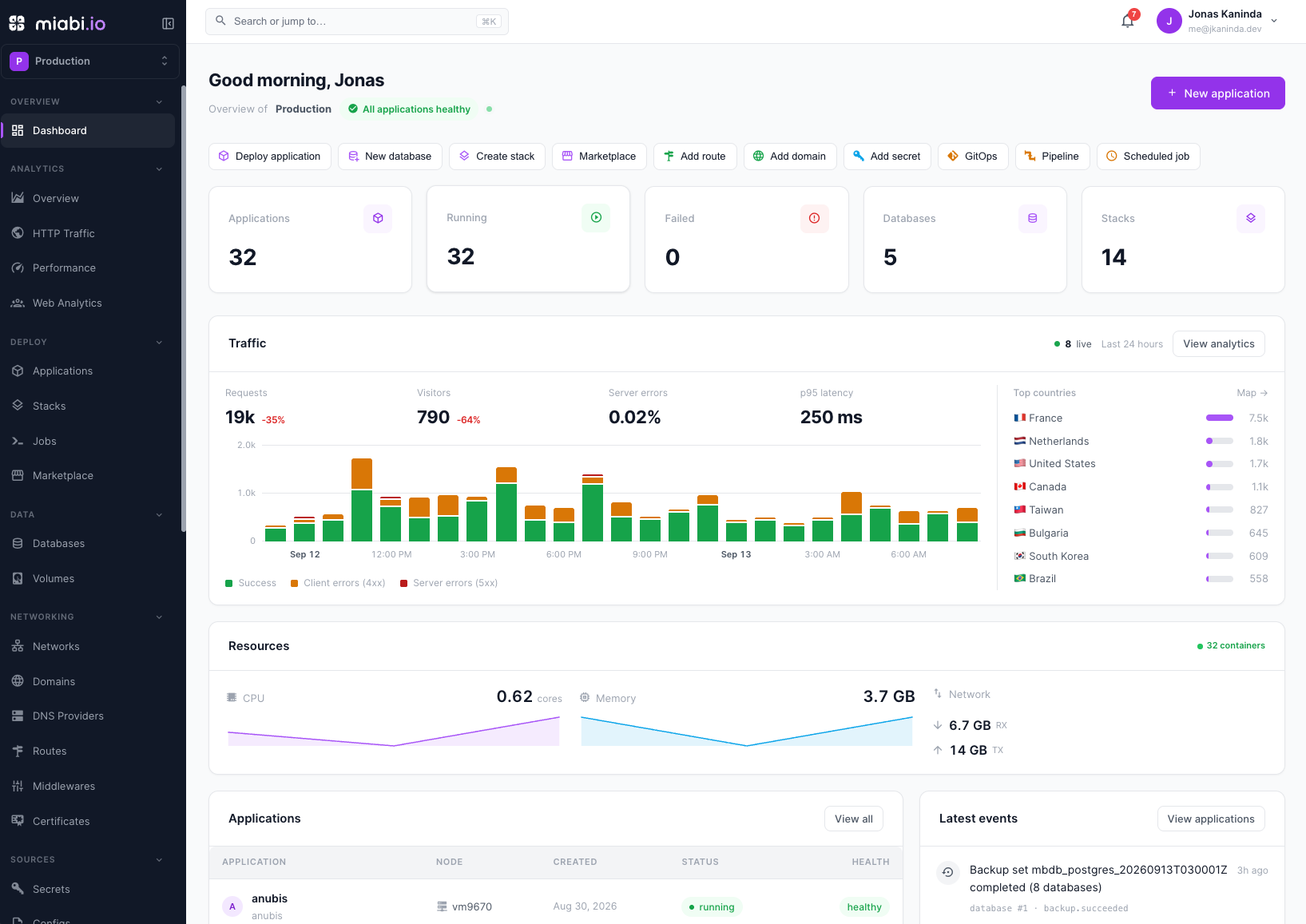
What a workspace is
Think of a workspace as a self-contained tenant on your Miabi instance. When you sign up, Miabi automatically creates a personal workspace for you — your private space to deploy and experiment without inviting anyone. You can create additional workspaces at any time to separate environments (for example, staging and production) or to collaborate with a team.
Name and display name
Every workspace has two identifiers:
- A unique name — a lowercase handle (
a-z,0-9,-) that is the workspace's URL key and its container-registry namespace (docker login -u <name>). It can be renamed (URLs and the docker handle change with it, like renaming a GitHub org), except for the built-in system workspace. - A free-text display name shown across the console.
Internally the numeric ID and a stable UID remain the durable references, so a rename never breaks stored relationships, foreign keys, or exports.
Multi-tenant isolation
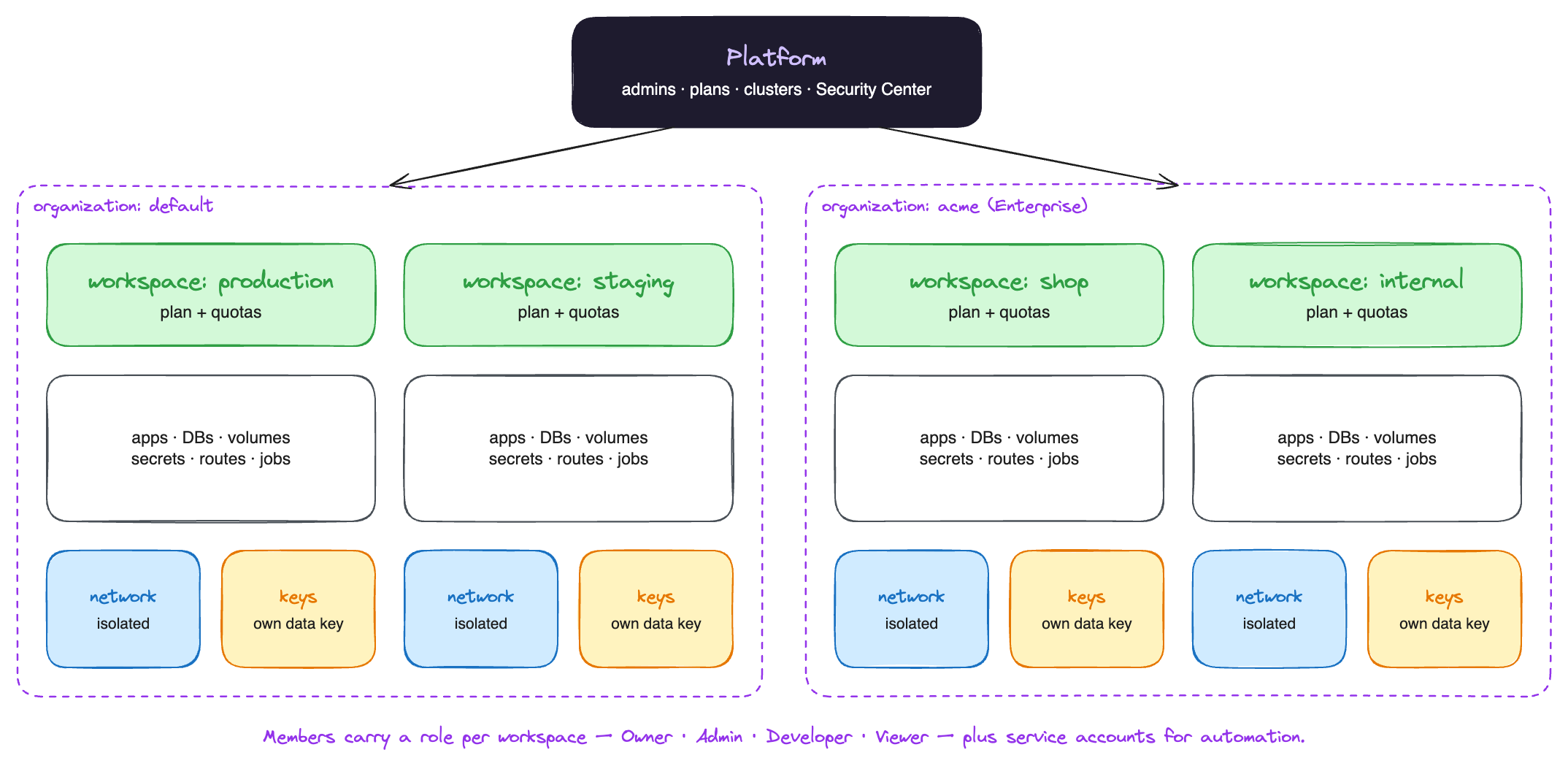
Miabi is multi-tenant by design. Isolation is enforced in two layers:
- Middleware checks your role on every request.
- Repository-layer
workspace_idscoping guarantees that a request — or an API token — can only ever read or write data belonging to its own workspace.
This means a token issued for one workspace can never reach another workspace's data, even if it knows the other resource's ID. There is no shared global namespace for tenant resources.
Roles and the dual-enforcement model are covered in detail in Roles & Permissions.
What a workspace owns
A workspace is the parent of every resource you create:
| Resource | Description |
|---|---|
| Applications | Apps deployed from Git, a Docker image, or a marketplace template. |
| Deployments | Build/release history, including rollbacks. |
| Domains | Custom domains and routing configuration. |
| Certificates | Managed ACME certs and uploaded custom TLS certs. |
| Databases | PostgreSQL, MySQL, MariaDB, Redis, MongoDB, and libSQL instances. |
| Volumes & backups | Persistent storage and scheduled or manual backups. |
| Members | Users invited to the workspace, each with a role. |
| API tokens | Workspace-scoped bearer tokens. |
| Encryption keys | A per-workspace keyring that protects secrets at rest. |
For the full picture of how these resources relate to one another, see the Resource Model.
Next steps
- Invite collaborators in Members & Invitations.
- Learn how the built-in Organization holds identity settings such as SSO.
- Understand per-workspace limits in Plans & Quotas.