Authentication
Miabi authenticates users with a straightforward account model and stateless JWT sessions backed by a Redis revocation list. This page covers how accounts and sessions work in the web console.
Registration
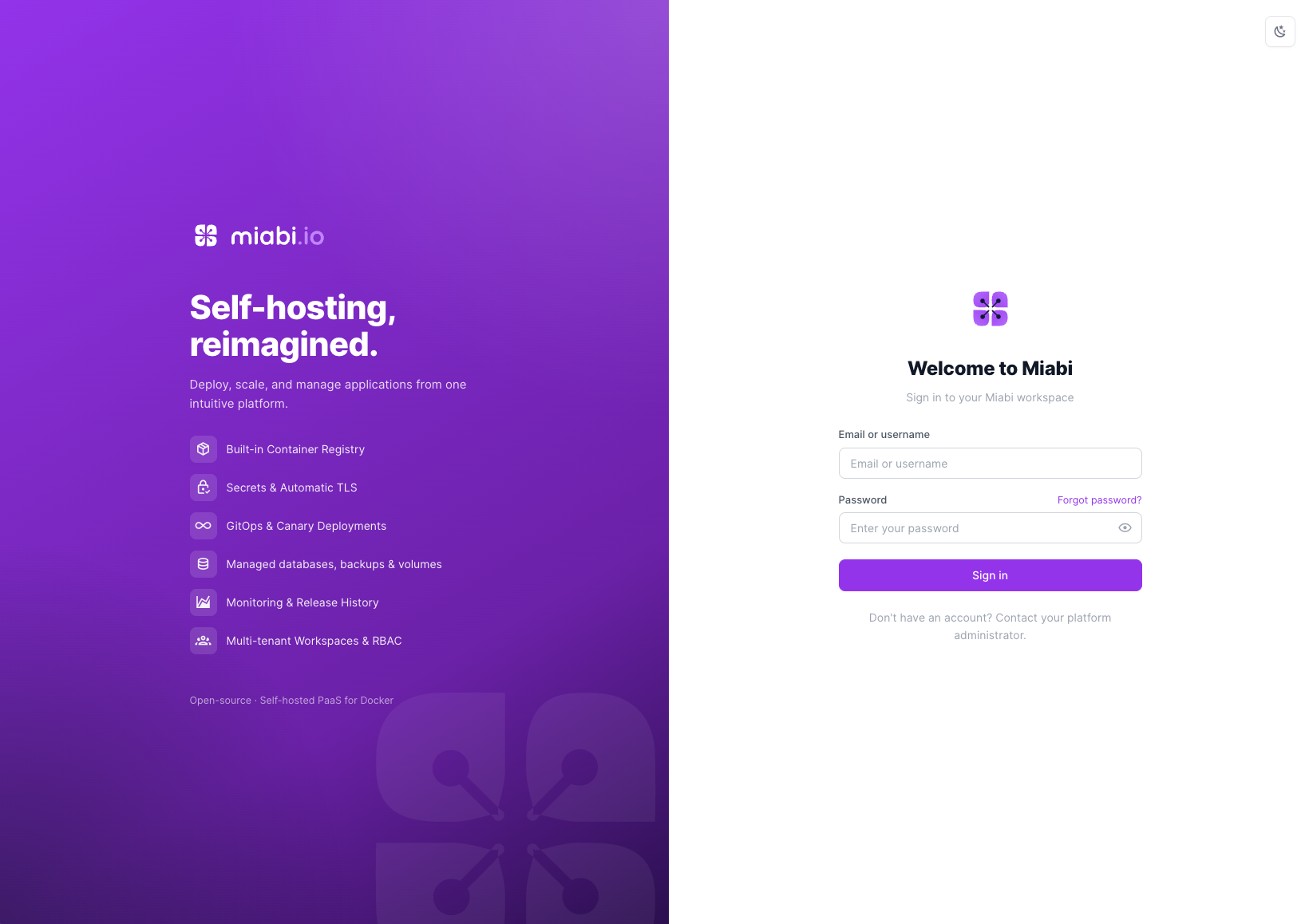
Self-service sign-up is off by default. On a fresh install accounts are created by a platform admin from Admin → Identity → Users; the login page tells visitors to contact their platform administrator, and /register sends them back to sign-in. A self-hosted platform should not begin accepting accounts from anyone who can reach it just because it was upgraded.
To open it, start the platform with MIABI_REGISTRATION_ENABLED=true and restart. Like password reset below, it is fixed at boot rather than flippable at runtime: it decides whether a stranger can become a principal, so opening it takes control of the deployment rather than of an admin session. Admin → Platform → Platform Settings shows its current state read-only. Once open, two further controls live on the same page:
- Require email verification — a new account must confirm its address before it can sign in. Sign-up refuses to open at all if this is on and no SMTP server is configured, since the account would be created, unable to sign in, and unable to verify itself.
- Allowed signup domains — a comma-separated allow-list (
acme.com); a subdomain matches its parent. Blank admits any domain.
Either can also be set from the environment (MIABI_REQUIRE_EMAIL_VERIFICATION, MIABI_ALLOWED_SIGNUP_DOMAINS), which pins it read-only in the console so an IaC install stays authoritative.
Closed sign-up doesn't keep invited teammates out: someone invited to a workspace can create their account from the invitation. Who may then start workspaces of their own is a separate setting — see Who can create workspaces.
Whoever creates it, a new user gets a unique username (a lowercase handle derived from the email, editable on the profile page) and a personal workspace to start working in. Users can later be invited into shared workspaces — see Members & Invitations.
Sign-up never tells an anonymous caller whether an address is already registered or whether a domain is on the allow-list — both answer exactly as a successful sign-up does. Otherwise the form could be used to enumerate who has an account.
Login
Sign in with your email address or your username, plus your password. If two-factor authentication is enabled on your account, you'll be prompted for a TOTP code after your password is verified. Organizations can also offer single sign-on through OAuth2/OIDC providers, and on Enterprise the same form can check the password against an LDAP / Active Directory directory when it doesn't match a local account.
Your username is also the directory-friendly handle Miabi keys off for the built-in container registry — docker login accepts either your workspace name or your username.
Signing in from the CLI
miabi login signs the CLI in through the browser, so it works with passwords, 2FA and SSO alike:
- The CLI opens the console's Authorize CLI login page (
/cli/authorize) with a one-time callback on127.0.0.1. - You authenticate again — even if you are already signed in — and click Authorize CLI.
- The console hands a single-use code back to the CLI's local callback, and the CLI stores a short-lived personal API key in
~/.miabi/config.yaml. The page then says you can return to your terminal.
The key lives for MIABI_LOGIN_TOKEN_TTL_HOURS (default 24), and a caller may ask for up to MIABI_LOGIN_TOKEN_MAX_TTL_HOURS (default 168). On a machine that can't receive a local callback, run miabi login --no-browser: it prints the token page URL and reads the pasted token instead. In CI, skip the browser entirely with --token or MIABI_TOKEN.
Password reset
If you forget your password, choose Forgot password on the login screen. Miabi emails a single-use, time-limited reset link. Following it lets you set a new password; existing sessions can be invalidated as part of the reset.
Self-service reset is a boot-time control: operators can disable it with MIABI_PASSWORD_RESET_ENABLED=false (a restart is required to change it). When disabled, the Forgot password option is hidden and reset requests are silently ignored.
JWT sessions
A successful login issues a JWT (JSON Web Token) that represents your session. The token is signed by the server and carries your identity and a unique token ID (jti). Because JWTs are stateless, Miabi can verify a session without a database lookup on every request.
Redis-backed revocation
Stateless tokens normally can't be "logged out" before they expire. Miabi solves this with a Redis-backed revocation list:
- When you log out, the token's
jtiis added to a blacklist in Redis. - Every authenticated request checks the blacklist; a blacklisted token is rejected immediately.
- The blacklist entry lives only as long as the token's remaining lifetime, then expires automatically.
This gives you the performance of stateless JWTs with the safety of instant, server-side logout and revocation.
Revoke sessions across all your devices by triggering a password reset or signing out everywhere — both blacklist the affected tokens.
Related
- Programmatic access uses API tokens, not session JWTs.
- Strengthen accounts with Two-Factor Authentication.
- Enable provider sign-in with SSO.