Provisioning a Database
Creating a database in Miabi takes a few choices and a click. Miabi handles the container, credentials, and networking for you.
Creating a database
From Data → Databases → New database:
- Name — a human-friendly label. If another instance in the workspace already uses it, Miabi
adds a numeric suffix (
app-db-1) rather than refusing. - Location — shown when the workspace can deploy to more than one location. Private networks don't span locations, so keep a database in the same location as the apps that use it.
- Engine — PostgreSQL, MySQL, MariaDB, Redis, MongoDB, or libSQL. See the overview for what each is good for.
- Version / tag — optional; left blank, the engine's default image tag is used. You can upgrade the version later.
- Size or Resources — optionally, memory and CPU limits (see below).
- Data volume size (MB) — optional declared capacity of the data volume.
Click Create database, and Miabi pulls the image, starts the container on the workspace's internal network, and provisions credentials.
Resource sizing
| Setting | What it controls |
|---|---|
| Memory | The container's memory limit. The engine is tuned to it, so it manages its own memory instead of being killed at the limit. |
| CPU | The container's CPU limit, in cores (0.5 is half a core). |
| Disk / volume | The declared size of the data volume, counted against the plan's storage quota. |
Left empty, memory and CPU are unlimited, unless the workspace's plan caps database resources (below).
Miabi tunes each engine to its memory limit:
| Engine | Tuning | Minimum memory |
|---|---|---|
| PostgreSQL | shared_buffers 25%, effective_cache_size 75% | 128 MB |
| MySQL | innodb_buffer_pool_size 60%, leaving at least 640 MB for the server, in 128 MB steps | 1 GB |
| MariaDB | innodb_buffer_pool_size 60%, leaving at least 160 MB for the server | 256 MB |
| Redis | maxmemory 75% | 64 MB |
| MongoDB | WiredTiger cache: half of (memory − 1 GB), at least 0.25 GB | 1 GB |
| libSQL | — | 64 MB |
Start modest. CPU and memory can be changed later, and you can grow the volume as your data does — so there's no need to over-provision on day one.
Changing resources
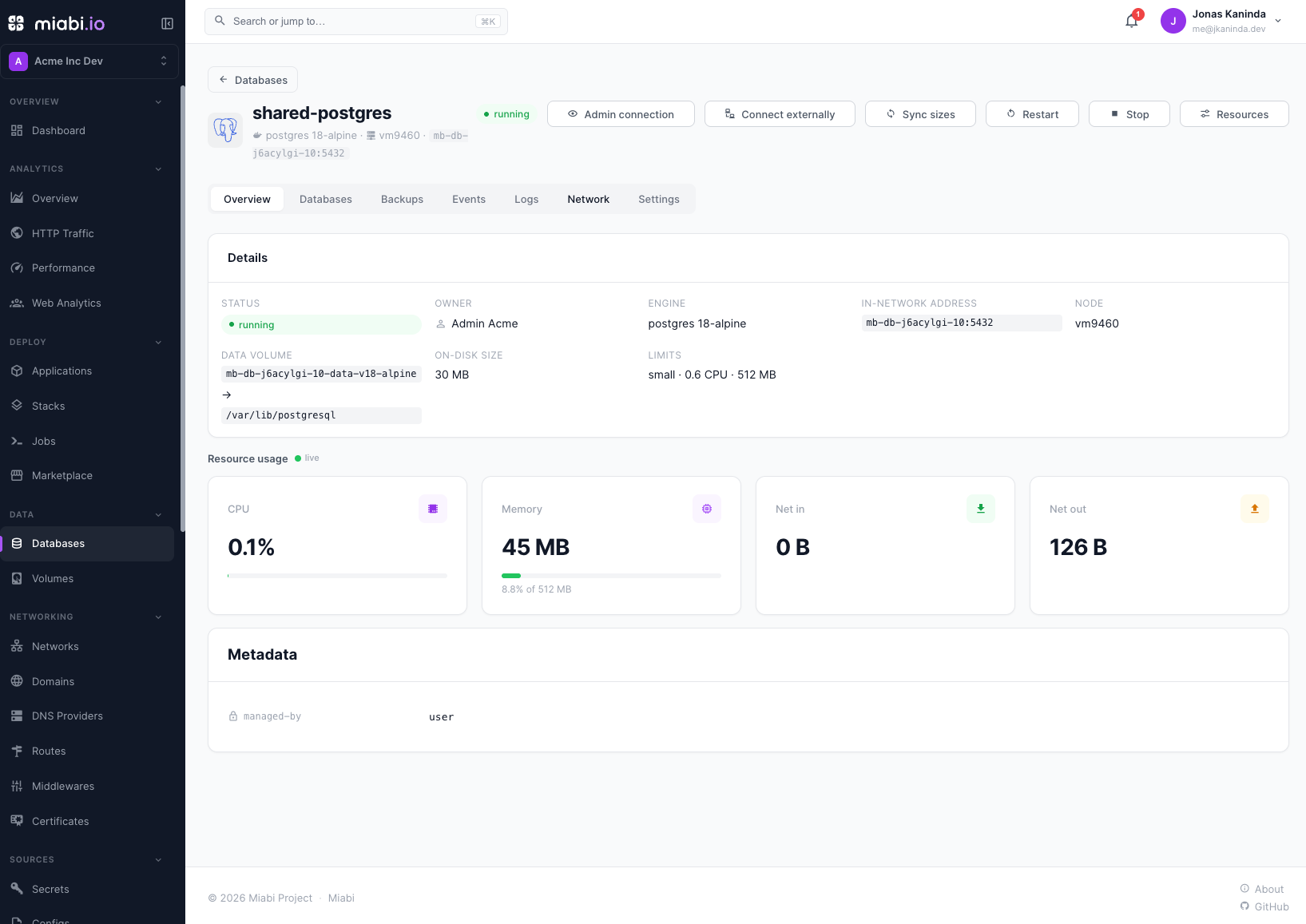
On the database's page, Resources sets new limits. The container is recreated on the same data volume with them, so the database restarts briefly; a stopped database stays stopped. If it does not come up with the new limits, Miabi restores the previous ones and records the failure in the database's events.
Plan limits
A plan can cap the database CPU and database memory a workspace's instances add up to. This budget is separate from the CPU and memory of its apps and jobs.
When a plan caps it, an instance created without limits — including one installed from the marketplace or created by a manifest — gets its engine's default size: 1 CPU, with 512 MB of memory for PostgreSQL and MariaDB, 1 GB for MySQL and MongoDB, and 256 MB for Redis and libSQL. Removing a limit from an existing instance is refused there. Instances created before the cap count as zero until they are given limits.
A manifest or a
marketplace template can state a size with resources
instead; a sized database always gets an instance of its own.
Database sizes
With an Enterprise licence, a platform admin can define named database sizes, such as small
or large, and offer them on a plan. The create form and Resources then offer those sizes
instead of, or alongside, memory and CPU. A database's page shows which size it runs on. See
database sizes for how a plan offers them.
What gets generated
After provisioning, Miabi creates and stores (encrypted at rest):
- A database / default user as appropriate for the engine.
- A generated password and a ready-to-use connection string.
- An entry in the workspace's secret vault so apps can consume the credentials.
See Access & credentials for how apps connect, and port forwarding for temporary access from your own machine.
The database is reachable on the internal network only — no port is published on the host. This is intentional; expose it temporarily via port forwarding when you need direct access.
Provisioning is available to Owners, Admins, and Developers. Viewers see the database list but cannot create one.