Scaling & Resources
Miabi lets you size each application precisely — capping CPU and memory per container and running multiple replicas for capacity and resilience.
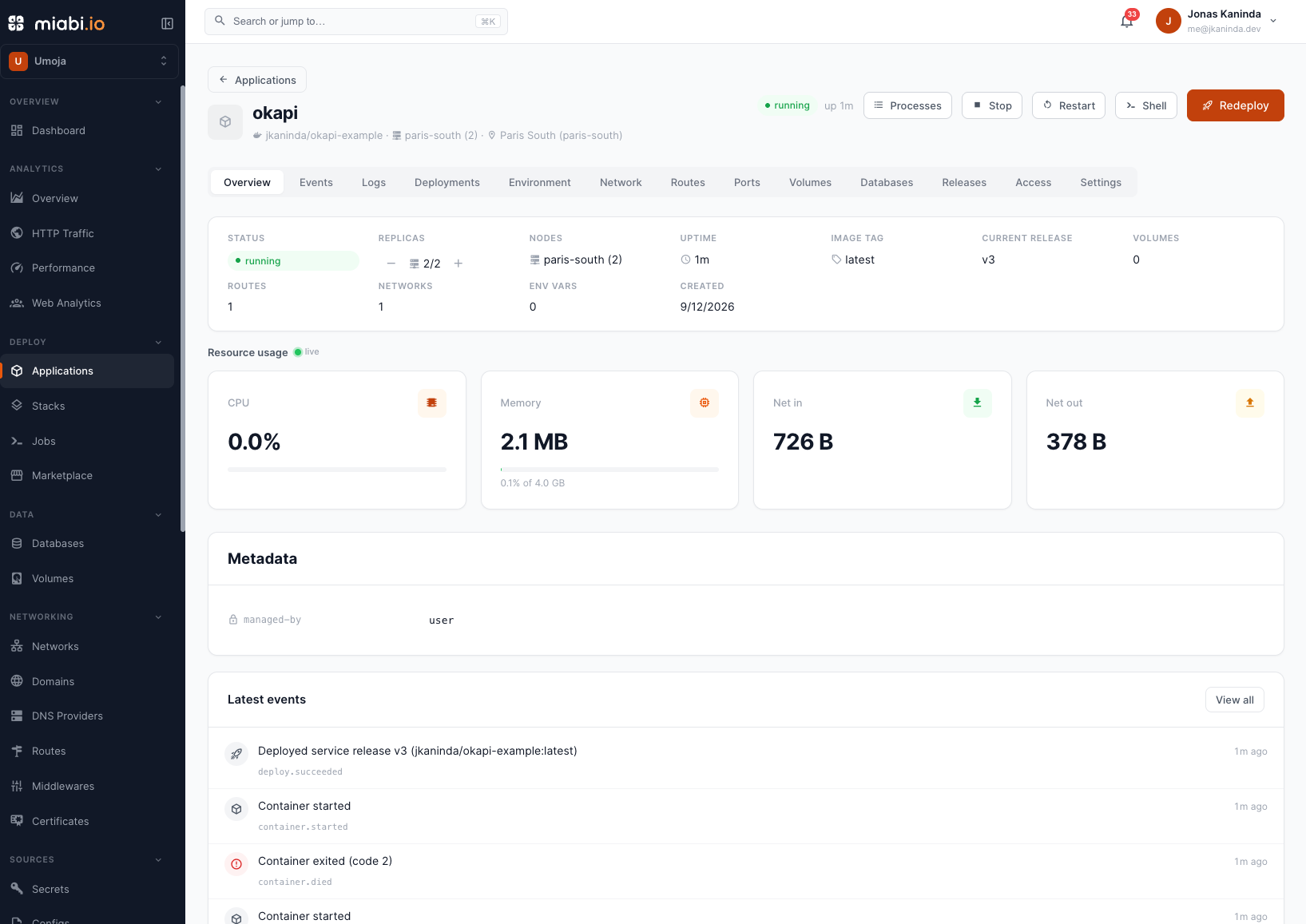
Resource limits
Each application has per-app resource limits you set in its settings:
| Limit | What it controls |
|---|---|
| CPU | The maximum CPU share each container may consume |
| Memory | The maximum memory each container may use before it's constrained |
Limits protect the host and your other apps from a single noisy service. Set them based on the app's real needs, and leave headroom for the brief overlap during zero-downtime deploys.
Start conservative and watch real usage in Monitoring, then adjust. Over-allocating memory wastes capacity; under-allocating risks restarts under load.
GPUs
An app can also request NVIDIA GPUs for accelerated workloads (inference, training, transcoding). GPU access is gated by the workspace's plan and by which devices a platform admin has enabled on the node, so the GPU controls appear in an app's settings only when its plan allows them. See GPUs for the full setup.
Replicas
Increase the replica count to run several identical containers of your app at once. More replicas mean:
- More throughput — requests are spread across containers.
- Higher availability — if one container fails, others keep serving.
Running more than one replica requires cluster mode. When it is on, apps
created through the console, CLI or API deploy as replicated swarm services by default (you can opt a specific app
back to a single container); an app applied from a manifest stays a container unless its
deployment.runtime says service. Swarm load-balances east-west traffic across the replicas by the app's service alias,
and public ingress reaches them too — the cluster's gateway reaches the service over a shared
ingress overlay, wherever the scheduler placed the tasks: through its virtual IP, or its replicas'
own addresses in a cluster set to
DNS round-robin. The app's detail page shows the
real nodes its replicas are running on.
Single-node vs. multi-node
How replicas are placed depends on your deployment:
- Single node — all replicas run on the one host. You scale up to use that machine's capacity; total CPU and memory are bounded by the server.
- Multi-node — replicas can be spread across nodes, giving you more total capacity and tolerance to a whole node failing.
Miabi keeps the Server/node model from the start, so an app you scale today on a single host can spread across nodes later with no rework. See Nodes overview for how multi-node placement works.
Stateful workloads need care when scaling. A replicated service can only safely share storage that every node can reach — a shared (RWX) volume (NFS/CIFS) or a host-path bind present on all nodes; a node-local volume is refused above one replica. In cluster mode Miabi automatically keeps an app that holds node-local storage as a single container pinned to its node, rather than a migratable service. See Volumes.
Applying changes
Changes to limits and replica count apply on the next deploy, rolled out with zero-downtime switching. Watch the effect afterward in Monitoring.