Users & Accounts
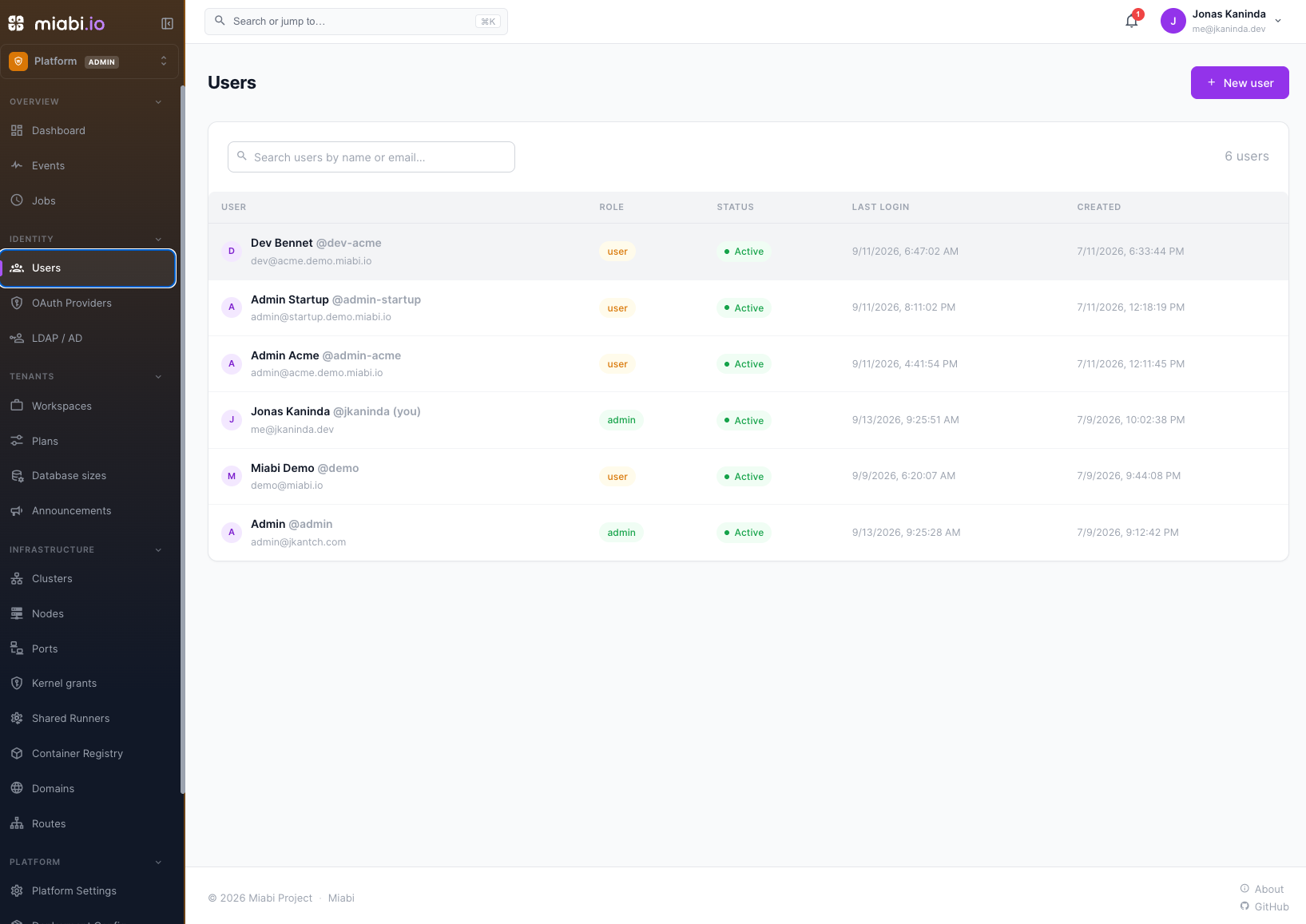
Accounts are platform-level: a user exists on the instance, then joins workspaces. This page covers what a platform admin can do to an account. Everything here lives under Platform admin → Users.
Registration is closed by default
Out of the box there is no public sign-up. The platform admin is seeded at install, and every other account is created by an admin or arrives through SSO / a directory. A self-hosted PaaS with open registration is an open door to your Docker host, so an upgrade never opens it for you.
Opening self-service sign-up
Sign-up is switched on by the environment, not from the console: opening it lets a stranger create an account, so it takes control of the deployment rather than an admin session.
| Variable | Default | Purpose |
|---|---|---|
MIABI_REGISTRATION_ENABLED | false | Shows Sign up on the sign-in page and accepts new accounts. Read at boot only. |
MIABI_REQUIRE_EMAIL_VERIFICATION | (unset) | true makes a new account verify its address before it can sign in |
MIABI_ALLOWED_SIGNUP_DOMAINS | (unset) | Comma-separated allow-list, e.g. acme.com,acme.co.uk. Subdomains match their parent. |
The last two are ordinary platform settings (require_email_verification,
allowed_signup_domains) you can also edit in Platform Settings. Setting the variable pins the
setting and re-applies it on every boot.
- Verification needs mail. If verification is required but no mail server is configured, sign-up stays closed: the accounts it created could neither sign in nor verify themselves.
- The allow-list is not revealed. An address from a domain that is not allowed gets the same answer as a successful sign-up, so nobody can probe it for your organisation's domains.
- Passwords are at least 12 characters wherever one is set: sign-up, invitations, changes,
resets, accounts an admin creates, and the first admin's
MIABI_ADMIN_PASSWORD. Sign-in still accepts passwords of 8 or more set under the earlier rule; directory (LDAP/AD) passwords follow the directory's own policy.
A new account is an ordinary user, never a platform admin. Every sign-up is written to the audit log. For the sign-up and verification flow a user sees, see Authentication.
Creating an account
Users → New user. You set the name, email and username, and choose whether the account is a platform admin. Miabi generates a strong temporary password and shows it once, right after the account is created: copy it and share it with the user through a secure channel. It can't be shown again; if it's lost, use Reset password.
The temporary password is marked must change: the user is sent to a change-password screen at first sign-in and cannot reach the console until they set their own. You never need to learn the password they end up with.
Through the API, POST /api/v1/admin/users generates the password when password is omitted and
returns it once in the response; a password you supply must be at least 12 characters.
Account actions
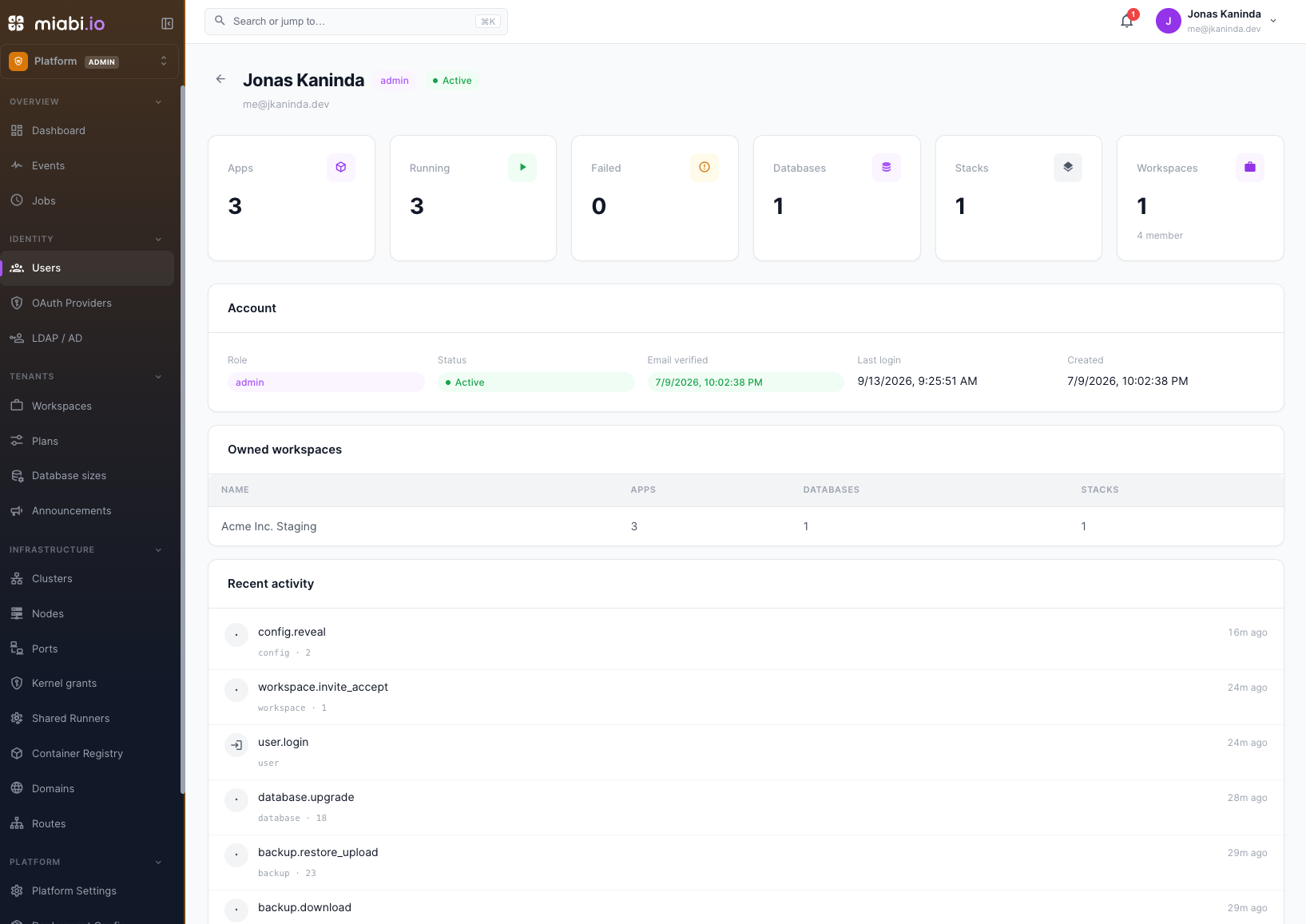
Open a user to reach the actions below.
| Action | What it does | When you need it |
|---|---|---|
| Reset password | Issues a new temporary password with the must-change flag set | The user is locked out and self-service reset is disabled or their mail is broken |
| Verify email | Marks the address verified without the user clicking a link | Their mail never arrived, and you have confirmed the address another way |
| Revoke sessions | Signs the account out everywhere immediately | A laptop was lost, or you suspect a stolen session |
| Disable two-factor | Clears the TOTP secret so the user can enrol again | They lost their authenticator and their recovery codes |
| Deactivate | Blocks sign-in and stops the workspaces they own | Offboarding, or an account under investigation |
Disable two-factor removes a security control on someone else's account. Confirm the request out of band — a support ticket asking to disable MFA is exactly what an attacker sends. Every one of these actions is written to the audit log.
Per-user limits
Three settings can be overridden per account, on top of the platform-wide defaults:
| Setting | Meaning |
|---|---|
| Can create workspaces | Allow or Deny creating workspaces, whatever the workspace creation mode. Inherit follows it |
| Workspaces owned | How many workspaces this user may create and own |
| Workspace memberships | How many workspaces they may belong to as a non-owner |
The account's detail page also shows how it signed up: self-service, a workspace invitation, created by an administrator, or an identity provider. Accounts created before this was recorded show nothing and are treated as not invited.
Leave them unset to inherit the limits of the user's
organization, which falls back to the
platform settings defaults (10 owned, unlimited joined).
-1 is unlimited and 0 allows none, the same convention as everywhere else.
So a limit resolves in this order: this user's override → their organization → the platform setting. The first two are Enterprise capabilities and are skipped without a licence, which leaves the platform setting in charge — it is the one that always applies.
Deleting an account
Deletion is scheduled, not immediate. It runs after a grace period
(MIABI_DELETION_GRACE_DAYS, default 7), and until then it can be cancelled.
| Step | Effect |
|---|---|
| Deactivate first | Scheduling is refused for an active account, so disable it first — that is what stops its workloads |
| Schedule deletion | Optionally hands some of its owned workspaces to another member first, then sets a deletion date and signs the account out everywhere |
| Cancel deletion | Clears the deletion date. The account stays deactivated until you re-activate it |
| Force deletion | For an account already pending deletion: skips the rest of the grace period and tears down now |
A workspace you transfer gets its new owner — who must already be a member — and survives. You cannot schedule or force the deletion of your own account.
When the deletion runs (the daily account-purge job, or a force deletion), the workspaces the user still owns are torn down with them — apps,
databases, volumes and their data. Workspaces where they were only a member are untouched,
they simply lose the membership.
Force deletion destroys data immediately and cannot be undone. Take a workspace export of anything you might need first. The grace period exists precisely because this decision is often reversed within a day.
The last admin is protected
Miabi refuses to remove platform-admin rights from, deactivate, or delete the last platform admin. There is no supported path to an instance nobody can administer.
Where to go next
- Roles & Permissions — what a user can do inside a workspace, which is a separate layer.
- Authentication and SSO — how accounts sign in.
- Audit log — the record of every action on this page.